Live TV
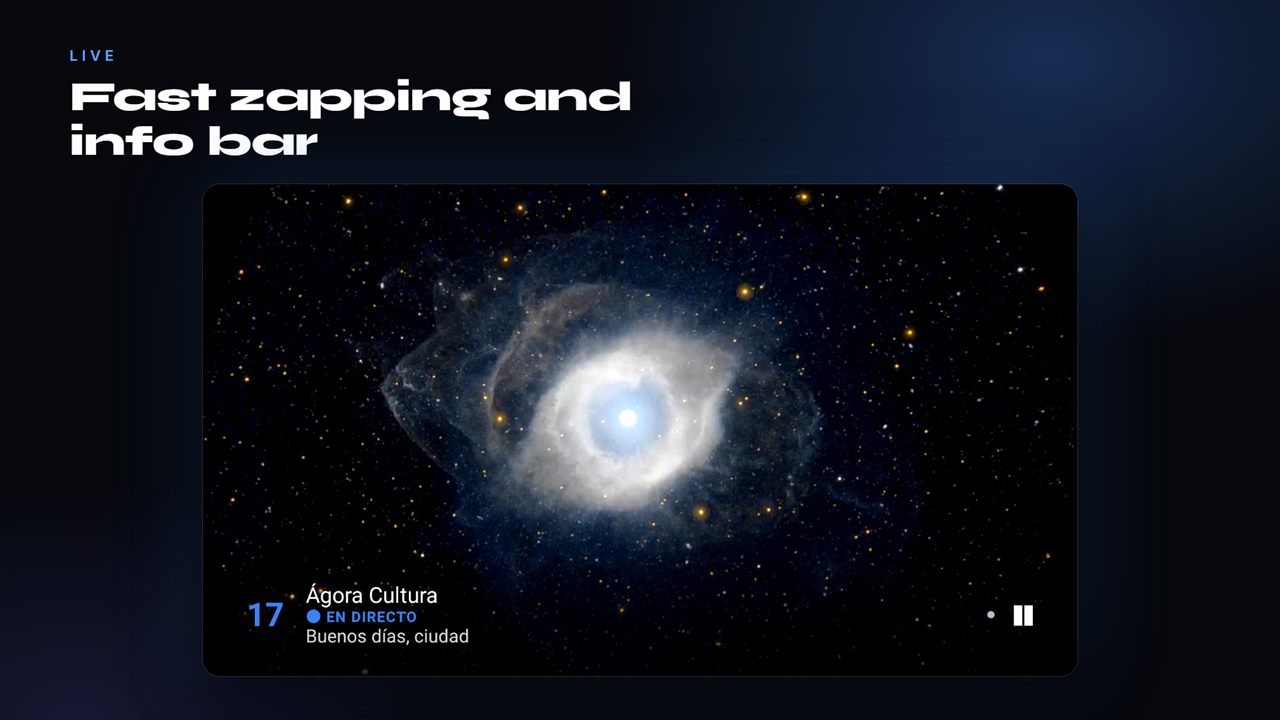
Opens straight into playback. Fast channel switching, by number or with up and down, and it reconnects on its own if a stream drops.
AIDO TV is a clean, fast player for your television and your phone. Add the list your provider gives you and enjoy it with an interface made for the remote control.
Free Basic version · 7-day Premium trial to start, no card needed
You bring the list from your provider. The app plays it.
Get AIDO TV on your Android TV, Fire TV or Android phone.
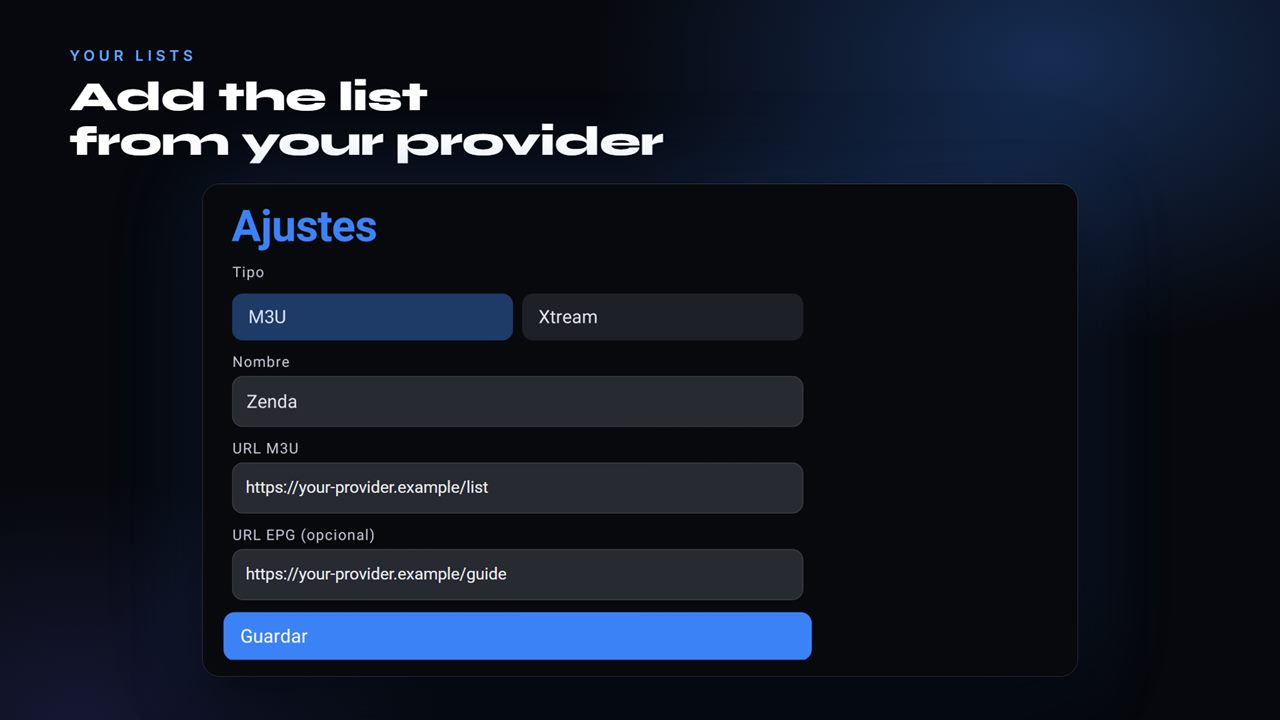
Enter the details your provider gives you, or send them from your phone with a code.
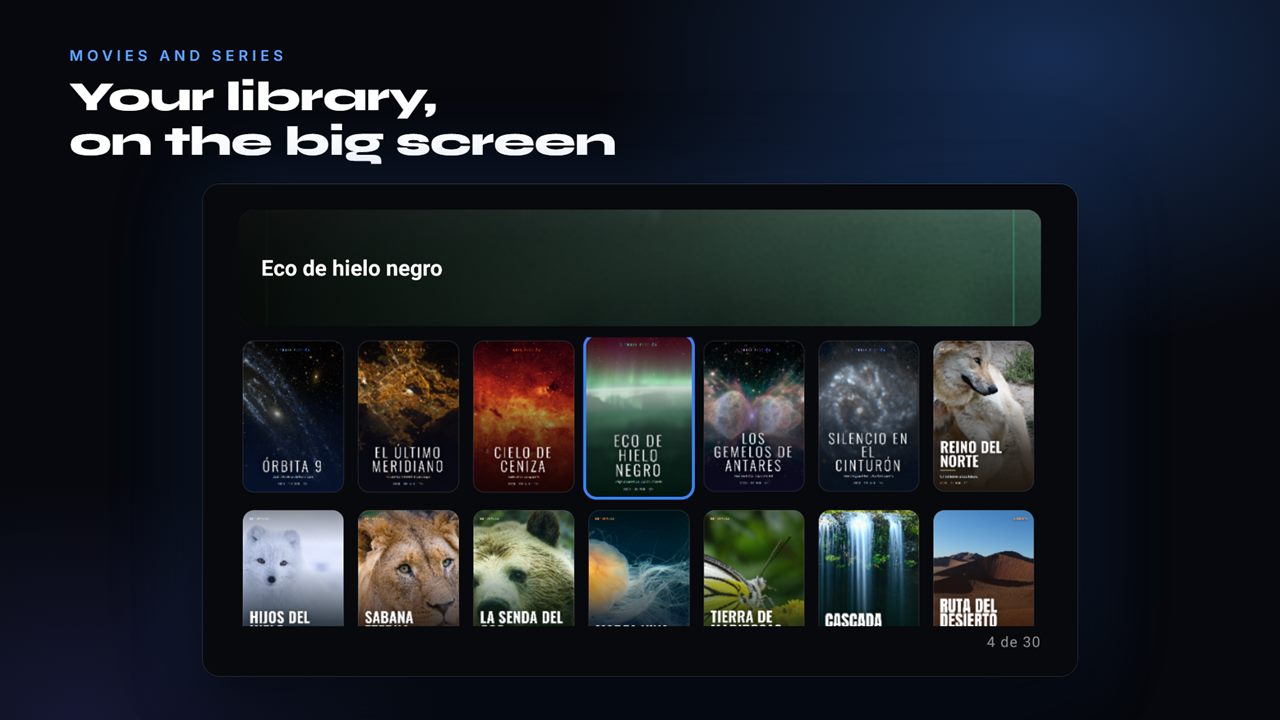
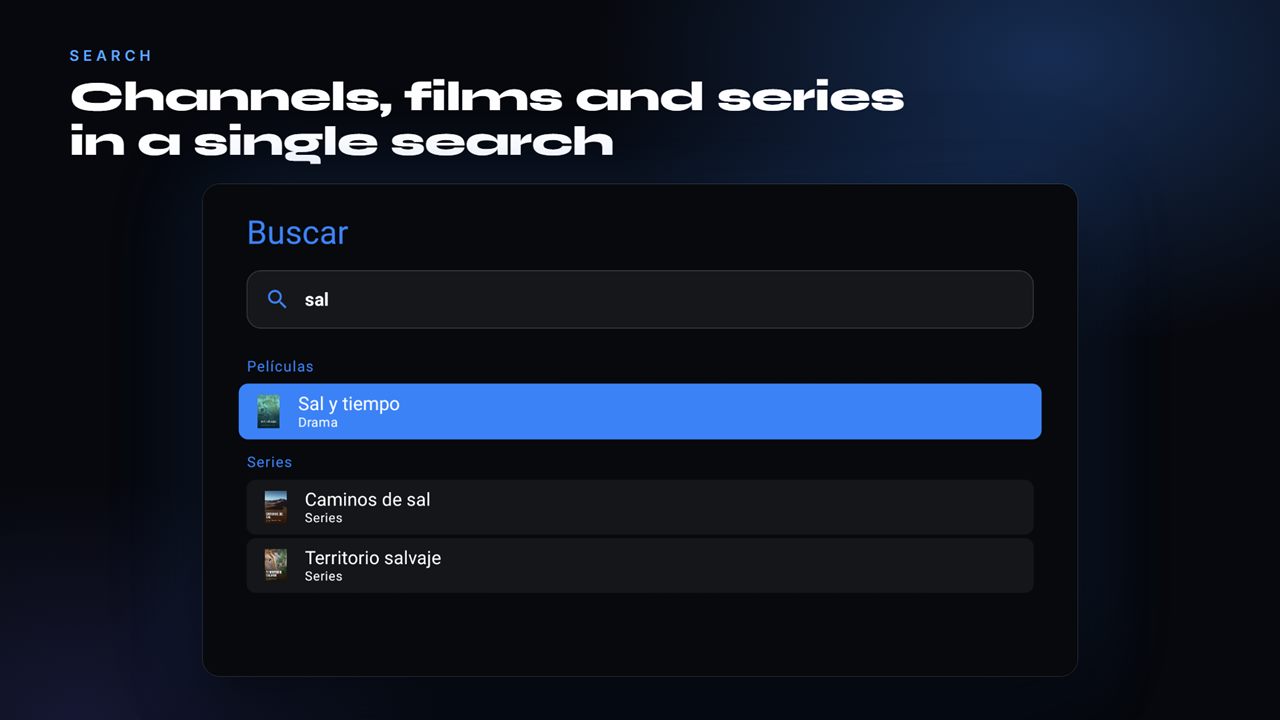
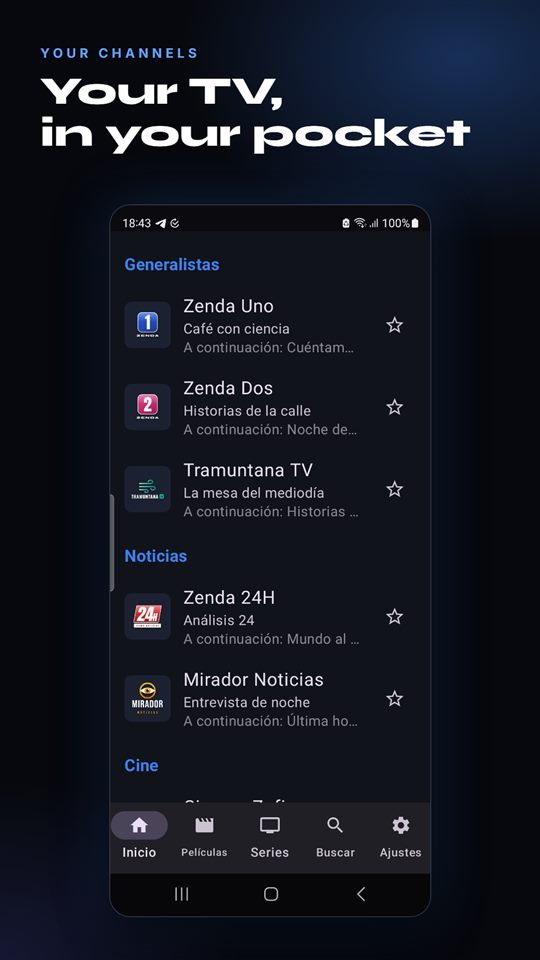
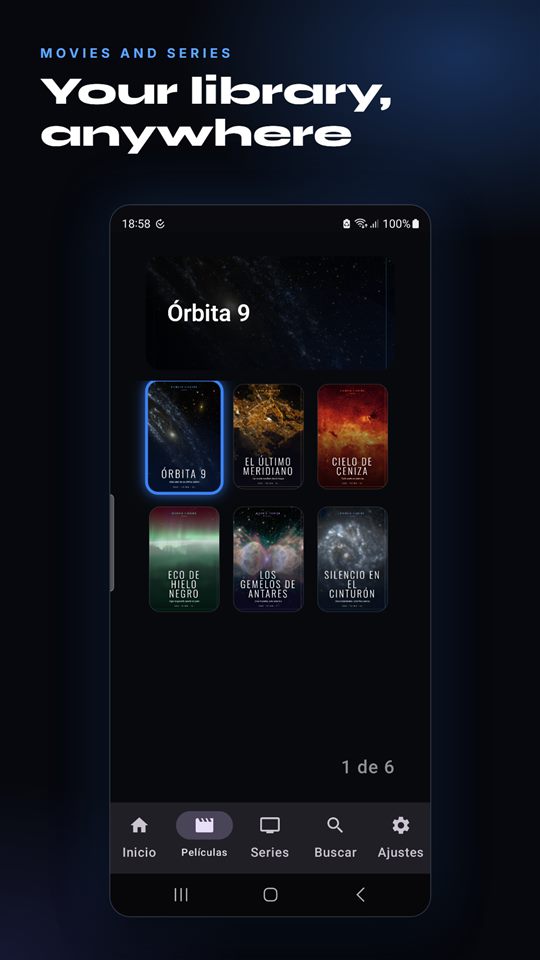
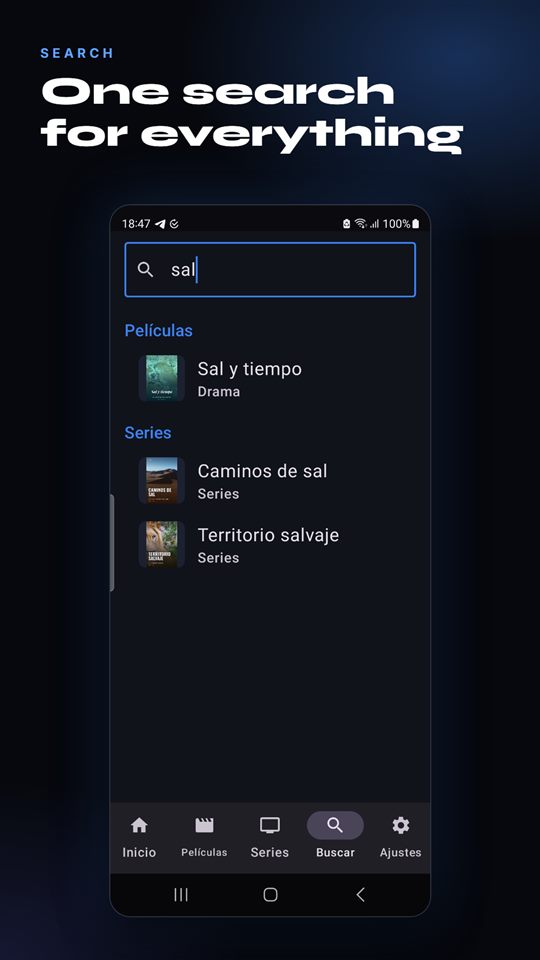
Channels by category, films and series with posters, and one search for everything.
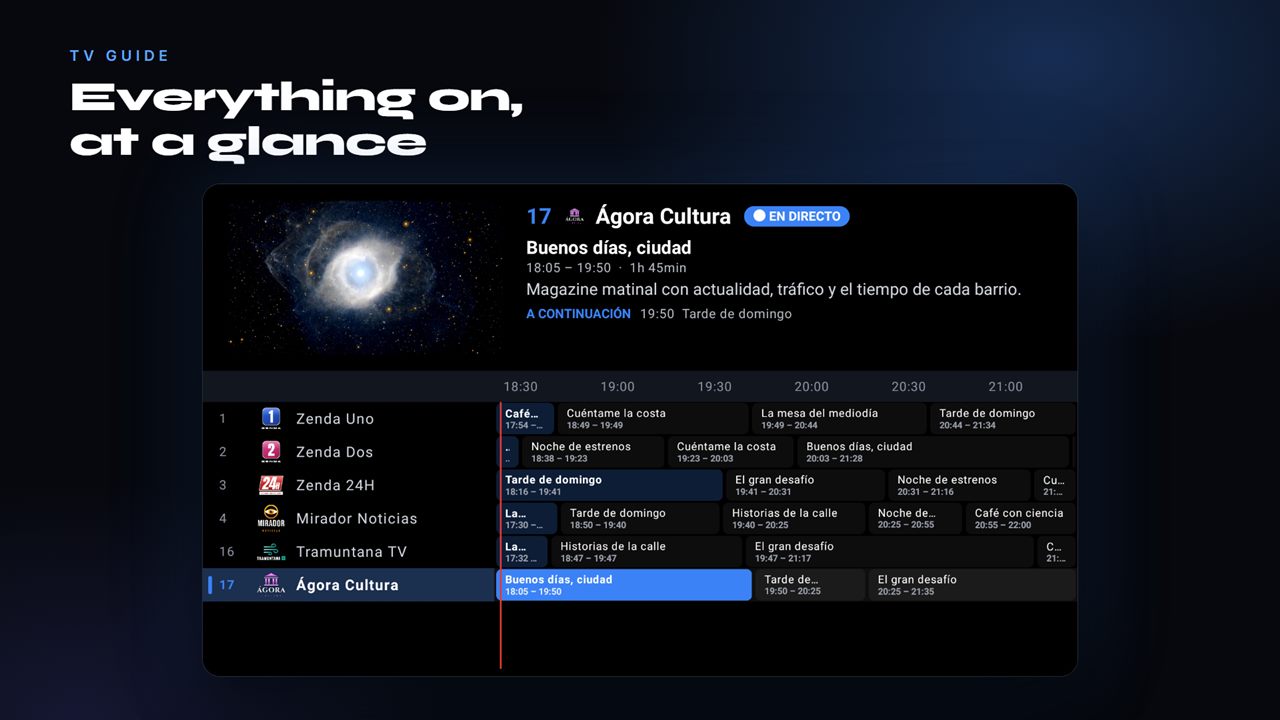
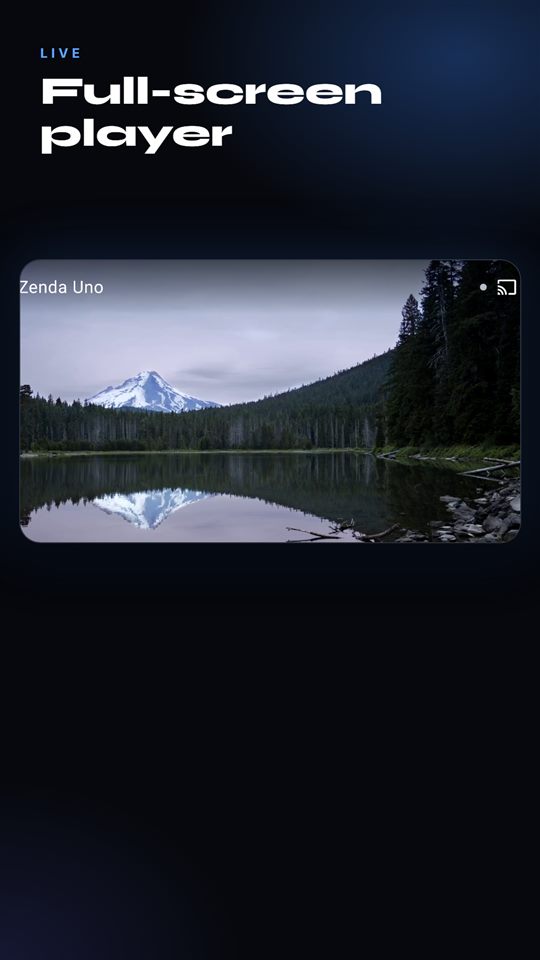
Full screen, programme guide and fast channel switching.
A dark interface made for the remote and for long viewing sessions.
Opens straight into playback. Fast channel switching, by number or with up and down, and it reconnects on its own if a stream drops.
What is on now and what comes next, with a synopsis. With Premium, the full grid and catch-up when your provider supports it. Stored on the device, so it works offline. More on the programme guide and catch-up.
Posters, descriptions and episodes grouped by season. Continue watching right where you stopped.
Channels, films and series from the same field, and favourites to keep what you love within reach.
Add a list from your phone with a code, no typing long addresses with the remote, and back it up. With Premium, unlimited lists.
Watch two channels at once on the TV (Premium). It depends on your provider's connection limit. How the second screen works.
Lock categories behind a PIN so children only see what you decide. Read how parental controls work.
Hide, rename and reorder channels. Choose what you see on launch, and use the app in 8 languages, matching your device.
Also on your Android phone: cast to a TV with Chromecast and pick up from a home-screen widget.
A dark, clean interface that is easy to use with a remote control.
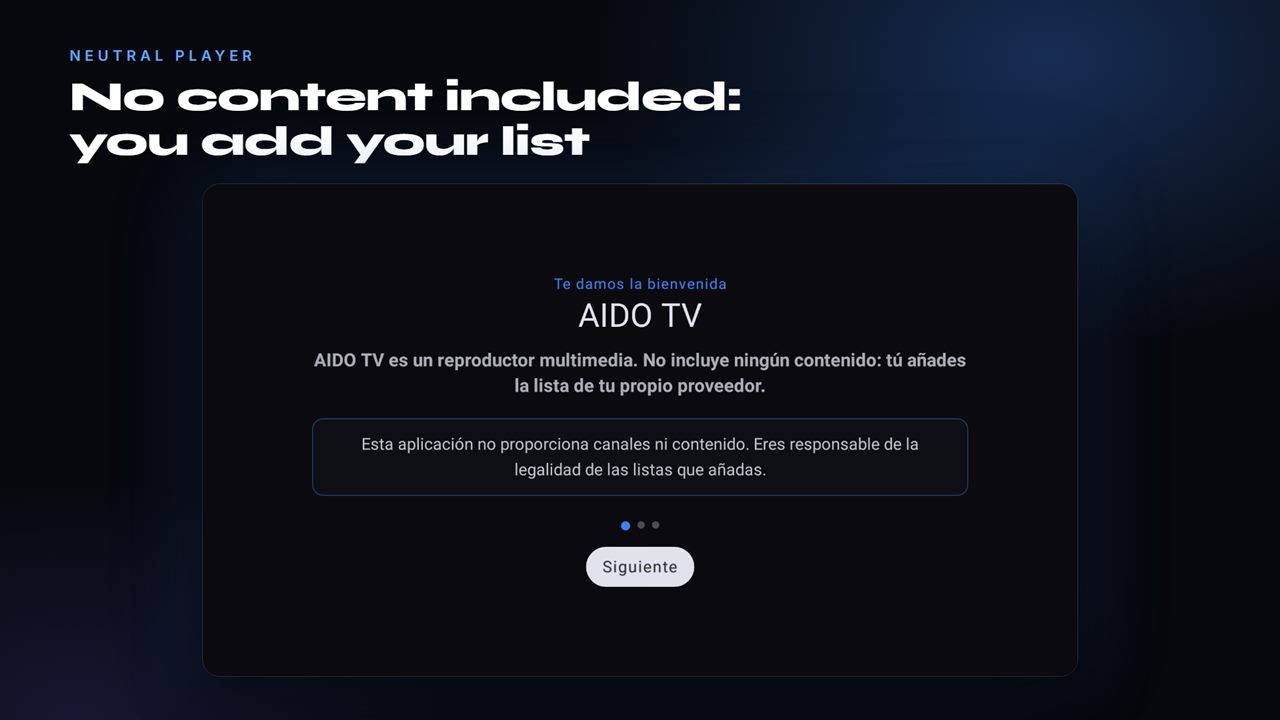
AIDO TV includes no channels and no lists. You bring your own.
No channels, no films, no preloaded lists. The app starts empty, ready for yours.
Neither in the free version nor in Premium.
You decide what you add and you are responsible for having the right to watch it.
Start with 7 days of Premium, no card needed. After that, you decide.
Free
Prices in euros; the store shows the final amount in your country. Subscriptions are managed from Google Play or Amazon.
Content notice: AIDO TV is a player. It includes no channels, lists or provider URLs. You bring the list from your own IPTV provider. A Premium purchase unlocks app features, not content. AIDO Media does not host or distribute audiovisual content and is not affiliated with any IPTV provider.
Learn how to set up your list and what the acronyms you will meet along the way mean.
Step by step on Android TV and Fire TV: with the remote or from your phone with a code.
Read the guide →The acronyms you will meet when setting up a player, explained without jargon.
Read the guide →How to find where the problem comes from and which settings really help.
Read the guide →No. AIDO TV is a player: it does not include, host, sell or recommend any channel, film or list. You add the list your provider gives you.
A list from your IPTV provider: an address (M3U/M3U8 URL) or an Xtream Codes account with username and password. If your provider offers a programme guide (EPG), you can add that too. Not sure? Read what M3U, Xtream and EPG are.
We do not provide or recommend providers. You are responsible for the lists you add and for having the right to watch their content. Read the content notice.
Android TV, Google TV, Fire TV (including Fire TV Sticks) and Android phones, on Android 5.0 or later. Details in AIDO TV for Android TV and AIDO TV for Fire TV. The LG webOS version is in development.
The Basic version includes live TV, "now / next", films and series, search, favourites, parental controls and all 8 languages, with one active list. Premium adds unlimited lists, the full grid, catch-up, second screen and more.
You get 7 days of Premium to start, no card needed. After that you move to the Basic version unless you choose Premium: monthly, yearly or a one-time lifetime payment.
Yes, on the TV with Premium. It depends on how many simultaneous connections your provider allows.
In the app, generate a code and enter the list from your phone, or restore a backup on another device. The steps are in the guide how to add your list.
No, neither in the free version nor in Premium.
From Google Play (Payments & subscriptions) or from your Amazon account (Manage subscriptions), depending on where you subscribed.