Features · Updated October 9, 2026
Picture in Picture and “Continue watching” in Plei
Two features so you never lose the thread: Plei remembers where you were, and lets you keep watching while you use other apps.

Continue watching
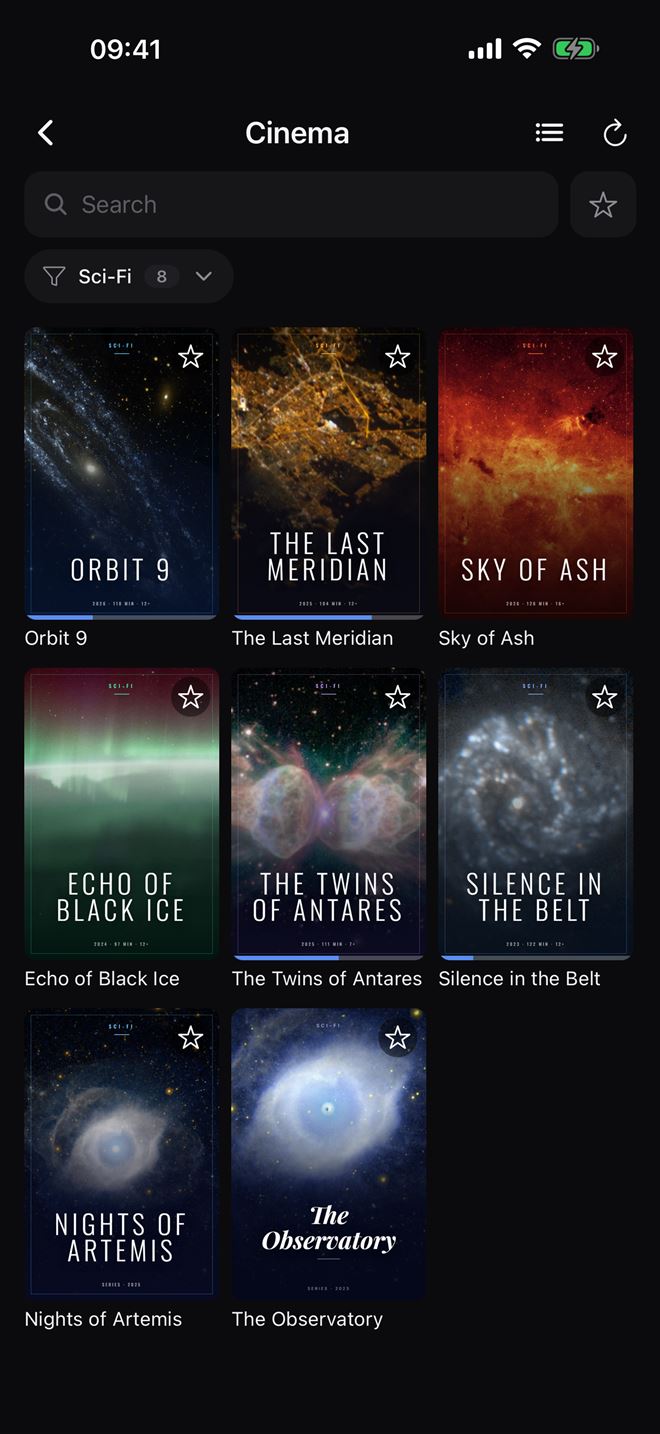
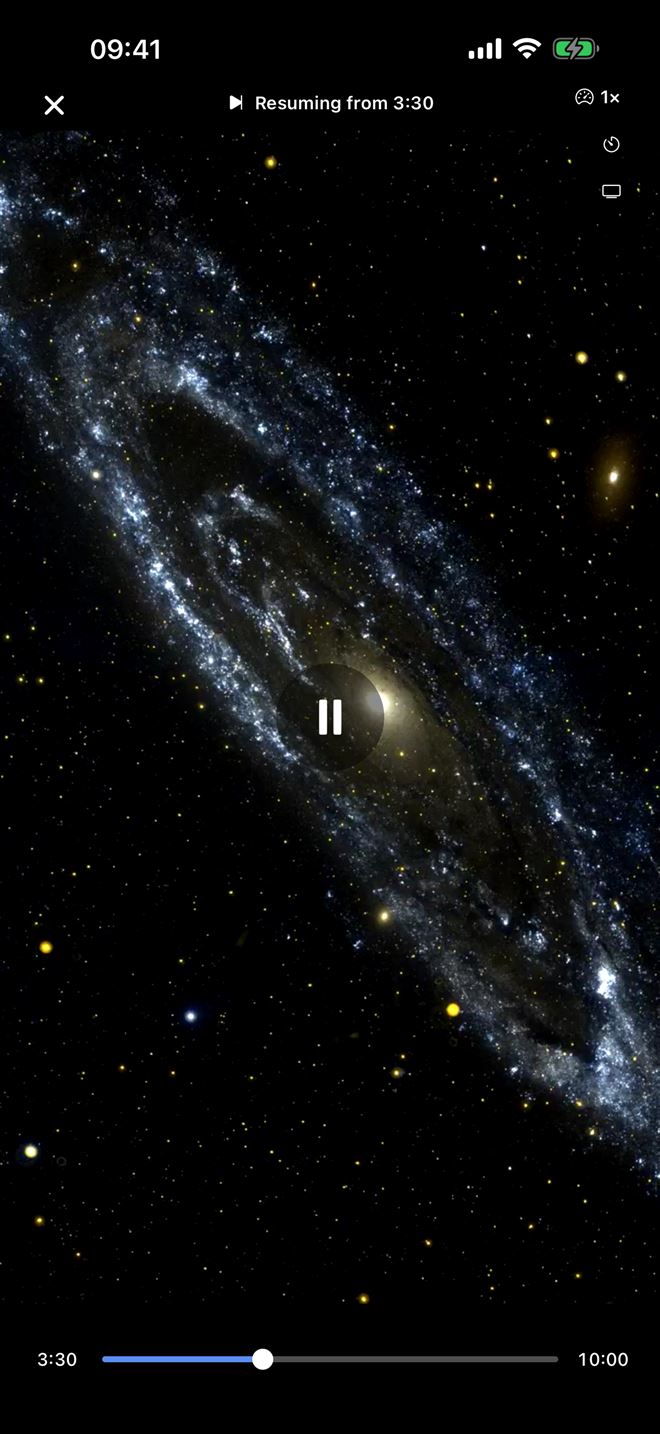
Plei saves where you were in each video and, when you open it again, resumes automatically from that point. A brief notice tells you (“Resuming from…”). It is free and there is nothing to turn on.
- It applies to videos with a duration. It makes no sense for continuous streams, so they are not saved.
- It resumes if you watched more than a few seconds and had not finished.
- You will see a progress bar on covers and in Recent.
Picture in Picture
Picture in Picture opens the video in a floating window so you can keep watching while you use other apps. It is a Premium feature, a one-time €4.99 purchase with no subscription and a 7-day trial so you can try it.
Speed and sleep timer
Also in Premium: play at up to 2× to get to the point, or set the sleep timer so Plei stops on its own. You will find both in the player itself.
Try it
Download Plei and add your list with the guide to adding your list.
Frequently asked questions
Is Continue watching free?
Yes. It is included in the free version of Plei.
Does it work with continuous streams?
No: only with videos that have a duration, because there is no point to resume from.
Is Picture in Picture free?
It is a Premium feature (a one-time €4.99 purchase). It includes a 7-day free trial.
Where do I change the playback speed?
In the player, with the speed icon. It goes up to 2× and is a Premium feature.