Guide · Updated October 9, 2026 · 2 min read
How to play an M3U playlist on iPhone
The iPhone has no built-in player for M3U playlists. With Plei, adding yours takes under a minute. One note first: Plei includes no lists; you need your own and the right to play its content.
Before you start
You need one of these three things:
- The web address of an M3U/M3U8 list (it starts with
http://orhttps://). - An .m3u file saved on your iPhone (in Files, iCloud Drive…).
- A single video link.
Plei needs iOS 15.1 or later. If you are not sure what an M3U list is, start with what M3U, IPTV and Xtream are.
Plei does not provide lists or recommend providers. Make sure you have the right to play what you add: read what you can play with Plei.
Import the list
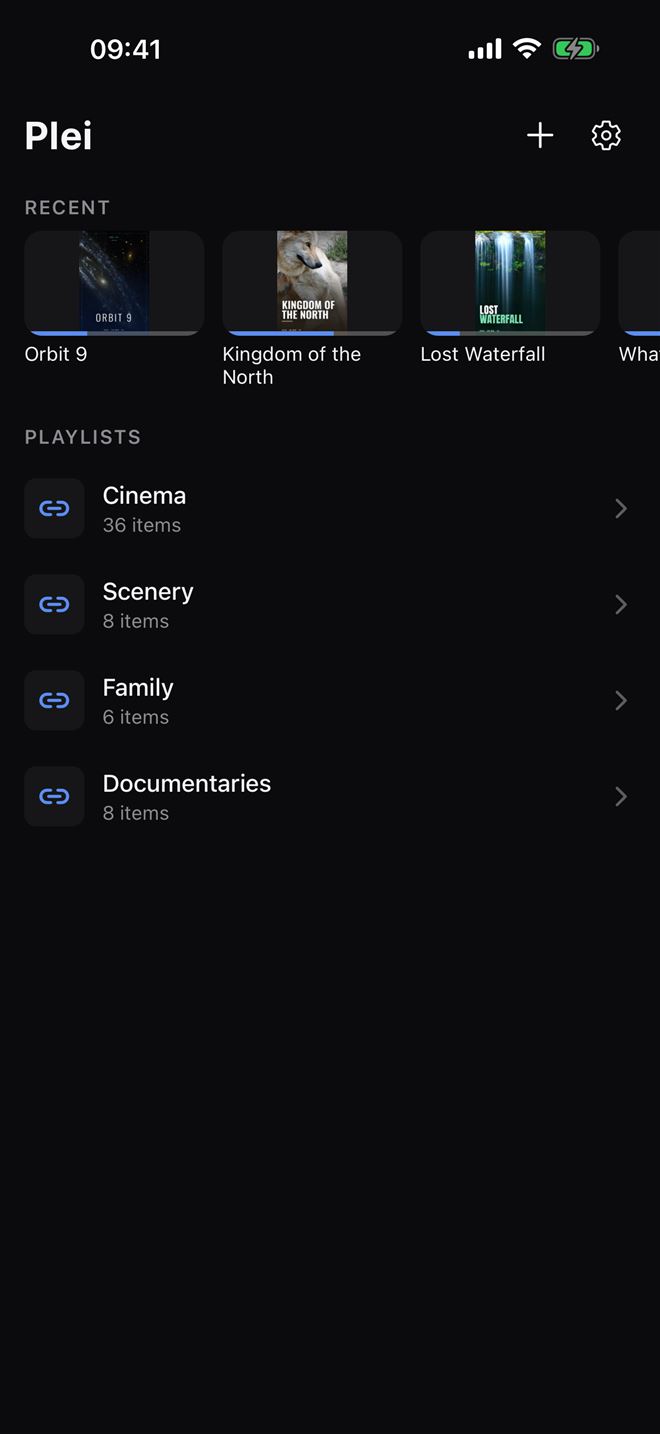
Open Plei and tap the + icon in the top-right corner.
Choose the mode: M3U URL (the list address), File (an .m3u on your iPhone) or Direct URL (a single video).
In M3U URL, paste the address into the M3U list URL field. If you already copied it, tap Paste link from clipboard. You can give it a name (optional).
Tap Import. Plei downloads and processes the list; a very large one can take a few seconds, and if the server fails it retries on its own.
An address looks like this (made-up example): https://your-provider.example/list.m3u.
Organize and find things
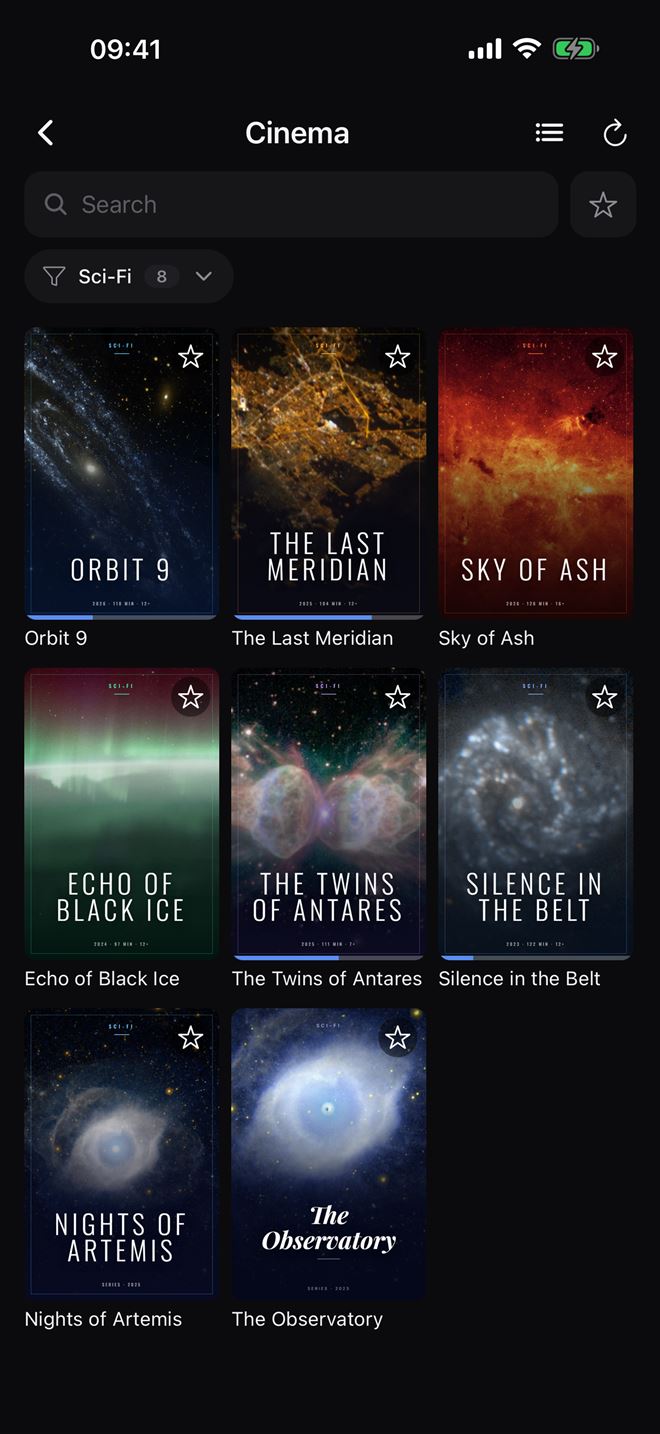
Your list appears under Playlists. Open it to see its items grouped by the categories your own list carries. Tap the category button to pick one (with search), use Search to filter by name and the star to mark favorites. If your list has cover art, Plei shows it as a grid; switch views with the button in the top-right corner.
Play
Tap an item to play it. Plei remembers where you stopped and resumes on its own. In the player you have speed and the sleep timer (Premium), and you can send it to your TV with AirPlay: AirPlay guide.

Free version limits
The free version supports one list. Premium (a one-time €4.99 purchase) unlocks unlimited lists. If something will not load, see the list will not load or the video stutters.